Table of Contents
- What to Look for in Security Cameras for Small Businesses
- Commercial Security Camera Systems: Key Differences from Residential
- Wireless Cameras for Business: Pros, Cons, and Best Use Cases
- Security Camera System Cost for Small Business: Budgeting and TCO
- Wired vs. Wireless Systems: Which Is Right for Your Business?
- How Many Cameras Does a Small Business Need?
- Installation and Integration: DIY vs. Professional
- Privacy, Compliance, and Cybersecurity for Business Surveillance
- Frequently Asked Questions
Last Updated: October 18, 2026
What to Look for in Security Cameras for Small Businesses
The best security cameras for small businesses are the ones that still work on the night someone tries the back door.
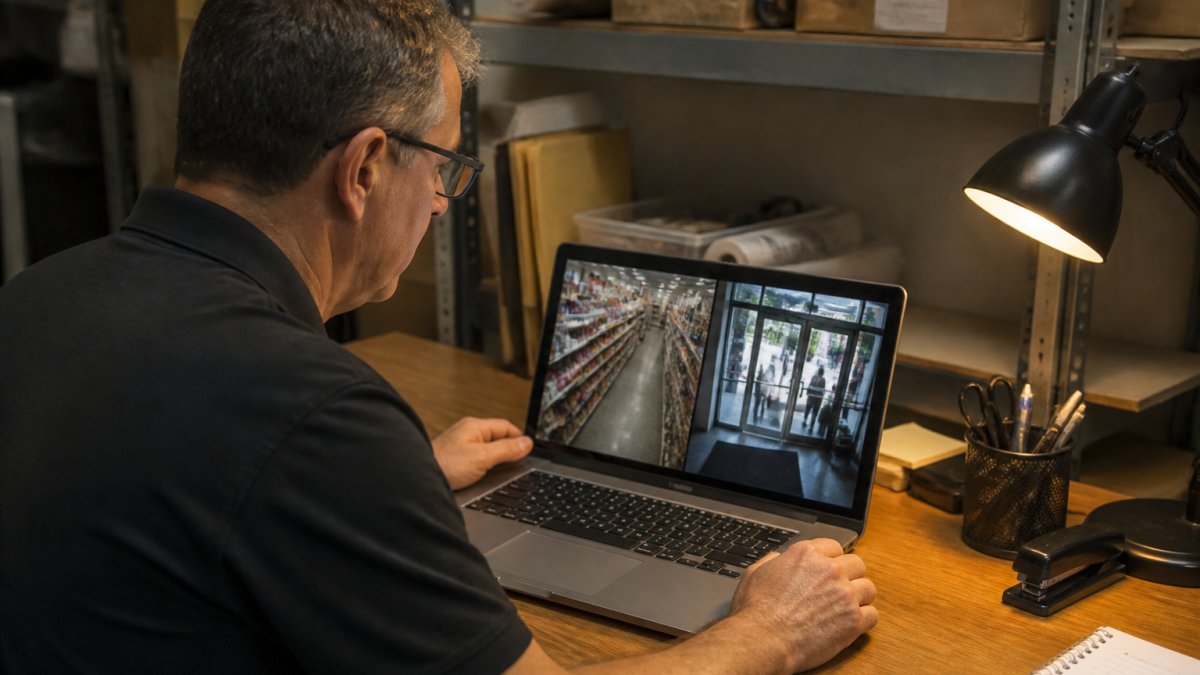
At Protection Pros USA, we've installed and serviced camera systems across the Milwaukee metro area since 2014, for retail shops, warehouses, and homes alike.
Start with three things: resolution, low-light performance, and how the system handles motion. Everything else is secondary.
Resolution and Image Quality
Resolution determines whether footage is useful or just suggestive. A grainy clip of a person in a hoodie won't help police or a loss-prevention report.
Here's the tradeoff most guides skip: 4K video eats storage and bandwidth. A handful of 4K cameras can fill a network video recorder (NVR) far faster than HD units, so match resolution to the job.
Night Vision and Low-Light Performance
Most theft happens after hours, so night vision isn't a bonus feature, it's the whole point. Infrared (IR) night vision is standard, but range varies widely.
Color night vision, which uses a low-light sensor rather than IR, gives clearer identification at night. It costs more and needs some ambient light to work well.
Motion Detection and Smart Alerts
Motion detection decides whether your phone blows up with useless alerts or tells you something real. Basic pixel-based detection triggers on rain, headlights, and swaying branches.
Set motion zones so cameras ignore the sidewalk and focus on doors, gates, and cash areas. Fewer, better alerts mean you actually check them.
Commercial Security Camera Systems: Key Differences from Residential
Commercial security camera systems differ from residential kits in durability, channel capacity, and how they handle evidence.
The biggest practical gap is expandability. Residential kits often cap out at four to eight channels.
Warranty terms and housing ratings also differ. Commercial cameras are typically built for harsher conditions and longer continuous recording, which matters when a system runs 24/7 for years.
Wireless Cameras for Business: Pros, Cons, and Best Use Cases
Wireless cameras for business are fastest to deploy and easiest to relocate, but they carry real limitations. "Wireless" usually means Wi-Fi connectivity for data, and often a battery for power.
Where wireless wins:
- Rented spaces where you can't run cable
- Temporary coverage during renovations or events
- Quick add-ons to an existing system
Where it struggles:
- Battery cameras need recharging, and a dead camera records nothing
- Wi-Fi congestion in busy retail environments causes dropouts
- Continuous recording drains batteries fast, so many units only record on motion
For a permanent retail or warehouse install, wired power with a reliable network connection is the sturdier choice. Wireless earns its place as a supplement, not usually as the backbone.
Security Camera System Cost for Small Business: Budgeting and TCO
The sticker price of a camera is the smallest part of what you'll spend. Total cost of ownership (TCO), equipment, installation, storage, subscriptions, maintenance, and replacement, determines whether a system is worth owning. Here's how the buckets break down for a small business install.
Equipment: $400-$3,000+
A four-camera HD kit with an NVR and a 1 TB drive commonly runs $400-$800. An eight-camera 4K system with a 2-4 TB recorder typically lands between $1,200 and $2,500. Commercial-grade cameras with better low-light sensors, varifocal lenses, and higher IP ratings push the per-camera price from roughly $60-$150 (consumer) to $200-$500 (commercial).
Installation: $0-$3,000+
DIY plug-in Wi-Fi cameras cost nothing in labor but limit you to a handful of cameras. Professional installation for a wired eight-camera system commonly runs $1,500-$3,000 depending on cable runs, building age, and conduit. Get the cable-run cost quoted separately, it's the most common source of surprise charges.
Storage and retention: the number most buyers miss
Storage is driven by four variables: resolution, frame rate, camera count, and retention days. A rough planning rule for continuous recording at 15 fps:
- 1080p camera: about 15-25 GB per day
- 4K camera: about 60-100 GB per day
So eight 4K cameras recording continuously for 30 days need roughly 15-24 TB of local storage, far more than the 1-2 TB drive that ships in most kits. Options:
- Motion-only recording cuts storage dramatically (often 50-80%) but risks missing the moments before motion triggers.
- Lower resolution on overview cameras and reserve 4K for pinch points.
- Cloud storage typically runs $3-$10 per camera per month for basic plans, and $10-$20+ per camera for longer retention or higher resolution. For eight cameras, that's $300-$1,000+ per year.
Monitoring and subscriptions: $0-$600+ per year
Self-monitoring (alerts to your phone) is free. Professional monitoring, if you want a dispatch service, commonly runs $20-$60 per month. Cloud plans and software subscriptions add another $100-$500 per year depending on camera count and retention.
Maintenance and replacement: budget 10-15% of equipment cost per year
Cameras fail, drives wear out, and firmware needs attention. A realistic maintenance budget is 10-15% of your equipment cost annually, roughly $100-$400 per year on a $1,000-$2,500 system. NVR hard drives typically last three to five years under continuous recording; budget for a replacement drive around year four.
A five-year TCO example
An eight-camera 4K wired system for a retail shop:
| Category | Upfront | Annual | 5-Year Total |
|---|---|---|---|
| Equipment | $2,000 | , | $2,000 |
| Installation | $2,000 | , | $2,000 |
| Cloud backup (4 critical cams) | , | $300 | $1,500 |
| Maintenance | , | $250 | $1,250 |
| Drive replacement (year 4) | , | , | $200 |
| Total | $4,000 | $550 | $6,950 |
A $600 DIY kit with four Wi-Fi cameras looks like a fraction of that, until you add battery replacements, a cloud subscription, and the labor of recharging cameras every few weeks. The cheaper system isn't cheaper over five years; it's just cheaper on day one.
Wired vs. Wireless Systems: Which Is Right for Your Business?
Wired systems win on reliability and recording capacity; wireless wins on speed and flexibility.
Wired setups carry power and data over cable, so cameras record continuously without battery swaps, and they're less vulnerable to jamming and Wi-Fi interference.
Wireless suits rentals, temporary sites, and hard-to-cable corners. If you go wireless, use it for supplementary coverage and keep the critical cameras, entrances and registers, on wired connections where possible.
How Many Cameras Does a Small Business Need?
Most small businesses land on four to eight cameras, but that range is a starting point, not an answer. The right count comes from your floor plan, your industry, and where money, inventory, and people actually move. Here's how it changes across the four most common premises.
Retail: 6-12 cameras
Retail is the most camera-dense small-business environment because loss happens at predictable pinch points. A typical 2,000-4,000 sq ft shop needs:
- Two cameras at the main entrance, one inside facing the door, one outside covering the approach and any signage or ATM area
- One camera per register or POS station, mounted low and close enough to read faces and see hands at the drawer
- One camera per stockroom door, inside and out
An overview camera covering the sales floor adds context but should never replace close-in cameras at registers and doors. A shop with two registers and a stockroom needs six cameras at minimum; a larger store pushes toward ten to twelve.
Office: 4-8 cameras
Offices need less merchandise coverage and more access control and after-hours coverage. Prioritize:
- Main entrance and reception, inside and out
- Server or IT closet door
- Back or service entrance
Avoid cameras in private offices, break rooms used for personal conversations, and any area where employees change. A 5,000 sq ft office typically needs four to six cameras; add one per additional entrance or sensitive room.
Warehouse: 8-16 cameras
Warehouses combine high-value inventory, multiple doors, and large open areas. Plan for:
- Every exterior door, inside and out, loading docks often need two per door (one at the dock, one at the man-door)
- Aisle overview cameras at HD resolution, spaced to cover racking without excessive overlap
- Shipping and receiving desks, where paperwork and handoffs happen
A 10,000-20,000 sq ft warehouse commonly needs eight to twelve cameras; larger facilities with multiple dock doors and yard coverage push past sixteen. This is where an NVR's channel capacity matters most, buy a 16- or 32-channel recorder even if you start with eight cameras.
Restaurant: 6-10 cameras
Restaurants have cash handling, high-turnover back-of-house staff, and busy delivery doors. Cover:
- Front entrance and host stand
- Each POS terminal and the cash drawer
- The back door and delivery entrance
Kitchens are hot, greasy, and steamy, use cameras rated for those conditions or expect fogged lenses and short lifespans. A single-location restaurant typically needs six to eight cameras; add one per additional POS station or exterior door.
A placement rule that saves money
Mount cameras at roughly 8-10 feet, angled down enough to capture faces at doors and registers. Higher mounts give a great overview but useless identification detail. Walk your space and mark each position before you buy, the count usually changes once you see the sightlines.
Installation and Integration: DIY vs. Professional
DIY installation works for a couple of plug-in Wi-Fi cameras in a small shop.
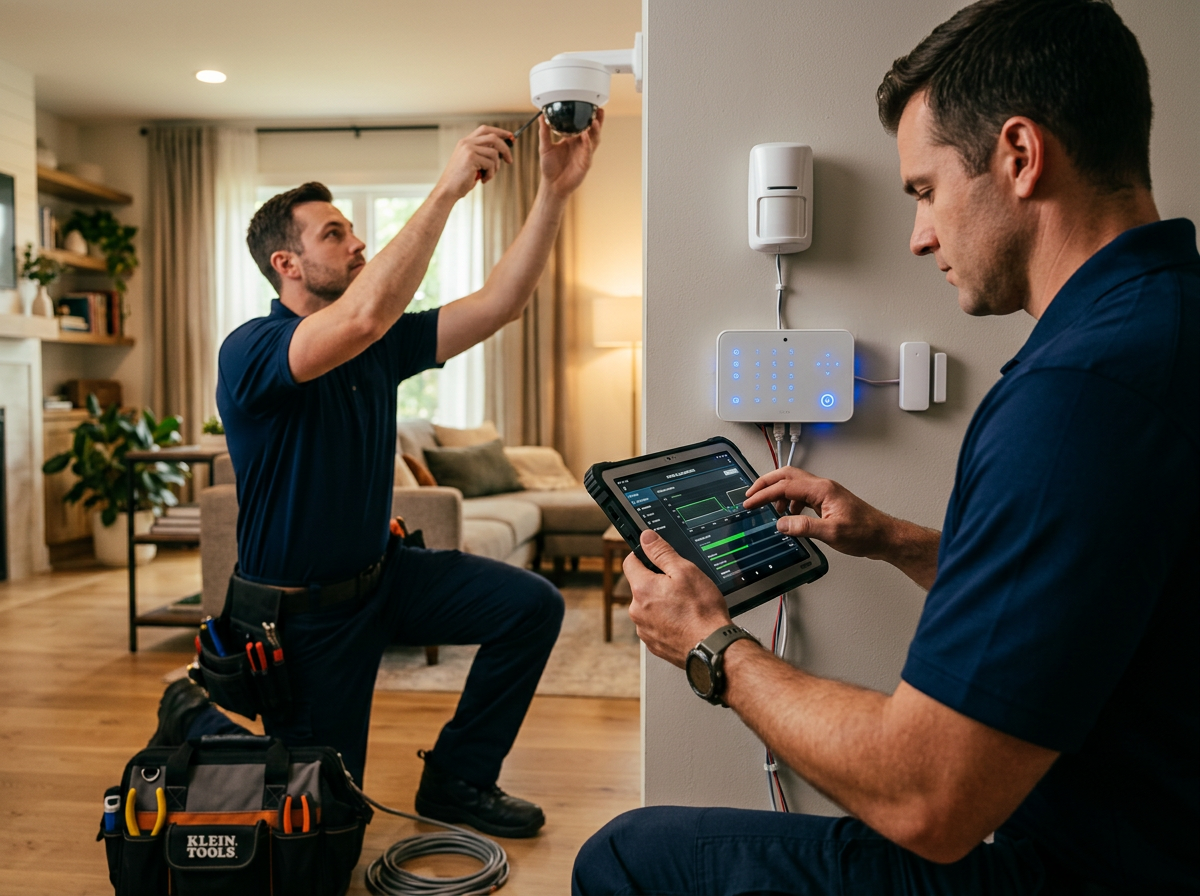
Professional installers handle placement for real coverage, secure cable runs, network configuration, and integration with alarms or access control.
Ask about service response before you buy. A system is only as good as the support behind it when a camera drops offline.
Privacy, Compliance, and Cybersecurity for Business Surveillance
Business surveillance creates legal and security obligations homeowners never face: you're recording employees and customers, storing footage, and connecting devices to your network. Get the basics right.
On privacy, avoid cameras in restrooms, changing areas, and other private spaces, and be thoughtful about audio recording, which carries extra legal risk in many states. For workplace monitoring rules, check guidance from the Equal Employment Opportunity Commission and your state's labor rules.
On cybersecurity, change default passwords, keep firmware updated, put cameras on a separate network segment, and limit who has footage access. Weak camera security is a known entry point for network attacks, as the Federal Trade Commission's guidance on securing connected devices warns. For broader small business security practices, the Cybersecurity and Infrastructure Security Agency publishes free resources worth bookmarking.
Retention matters too. Decide how long you keep surveillance footage, store it securely, and delete it on schedule.
Frequently Asked Questions
How much does a security camera system cost for a small business?
The cost of a security camera system for a small business varies widely based on the number of cameras, resolution, storage, and whether you choose professional installation. A basic 4-camera wired system might start around $500 to $1,000 for equipment, while a more comprehensive 8-camera 4K system with professional installation and monitoring can range from $2,000 to $5,000 or more. Ongoing costs include monitoring fees, cloud storage, and maintenance. For an accurate quote tailored to your property, contact Protection Pros USA.
Are wired or wireless security cameras better for a small business?
Wired systems are generally more reliable, offer consistent power, and are less susceptible to signal interference, making them ideal for permanent installations in retail stores or warehouses. Wireless cameras are easier to install and can be moved as needed, but they rely on Wi-Fi and require battery changes or frequent recharging. For businesses with existing wiring or those prioritizing reliability, wired is often better. Wireless works well for temporary setups or hard-to-wire locations. Assess your specific needs and consult a professional installer.
How many security cameras does a small business need?
The number of cameras depends on your business size, layout, and critical areas. A small retail shop might need 4 to 6 cameras to cover entrances, checkout, and inventory areas. A larger warehouse could require 8 to 16 or more. Consider coverage of entry points, cash handling areas, high-value inventory, and parking lots. A professional site survey can determine optimal camera placement and count to eliminate blind spots without overspending.
Do small businesses need a professionally installed security camera system?
Professional installation ensures cameras are optimally placed, wiring is secure, and the system integrates properly with your network and monitoring services. It also helps with compliance and warranty. While DIY kits are available, they often result in poor placement, connectivity issues, and limited scalability. For businesses that rely on surveillance for security and liability, a professional installation by a licensed provider like Protection Pros USA offers reliability and peace of mind.
Protecting a business means getting the details right: the right resolution, the right wiring, and support that shows up when a camera fails. Protection Pros USA has handled professional installation and 24/7 monitoring for homes and businesses since 2014, with systems tailored to each property rather than a one-size kit. If you want cameras that actually deter theft and footage you can rely on, get started with Protection Pros USA and build coverage around your building, not a generic package.