Table of Contents
- DIY vs Professional Security Installation Cost: The Real Numbers
- DIY Home Security System Cost Breakdown
- Professional Security System Installation Cost: Labor and Fees
- Security Camera Installation Cost: A Closer Look
- Home Security Monitoring Costs: Monthly and Long-Term
- Hidden Costs and Contract Exit Fees to Watch For
- Lifetime Cost Comparison: DIY vs Professional Security Installation Cost
- How to Decide: A Decision Framework for Your Home
- Frequently Asked Questions
Last Updated: October 17, 2026
DIY vs Professional Security Installation Cost: The Real Numbers
The DIY vs professional security installation cost gap comes down to labor. DIY avoids the installation fee; professional installation adds a labor charge on top of equipment. That difference shapes your upfront cost, monthly bill, and how much of your weekend you spend on a ladder.
This guide from Protection Pros USA breaks down both paths, from equipment packages to monitoring contracts. We install and monitor systems across the Milwaukee metro area.
DIY Home Security System Cost Breakdown
A DIY home security system cost is mostly equipment, because you supply the labor. You buy the kit, mount the sensors, pair devices, and troubleshoot yourself, keeping the upfront number lower.
A typical DIY setup includes door and window sensors, a motion sensor, a hub, and one or two cameras.
Where DIY gets expensive is the invisible line item: your labor.
- Best for: renters, tech-comfortable owners, and simple single-entry homes
- Watch for: wireless range gaps, camera blind spots, and app pairing headaches
- Hidden risk: no professional to verify coverage before something goes wrong
Professional Security System Installation Cost: Labor and Fees
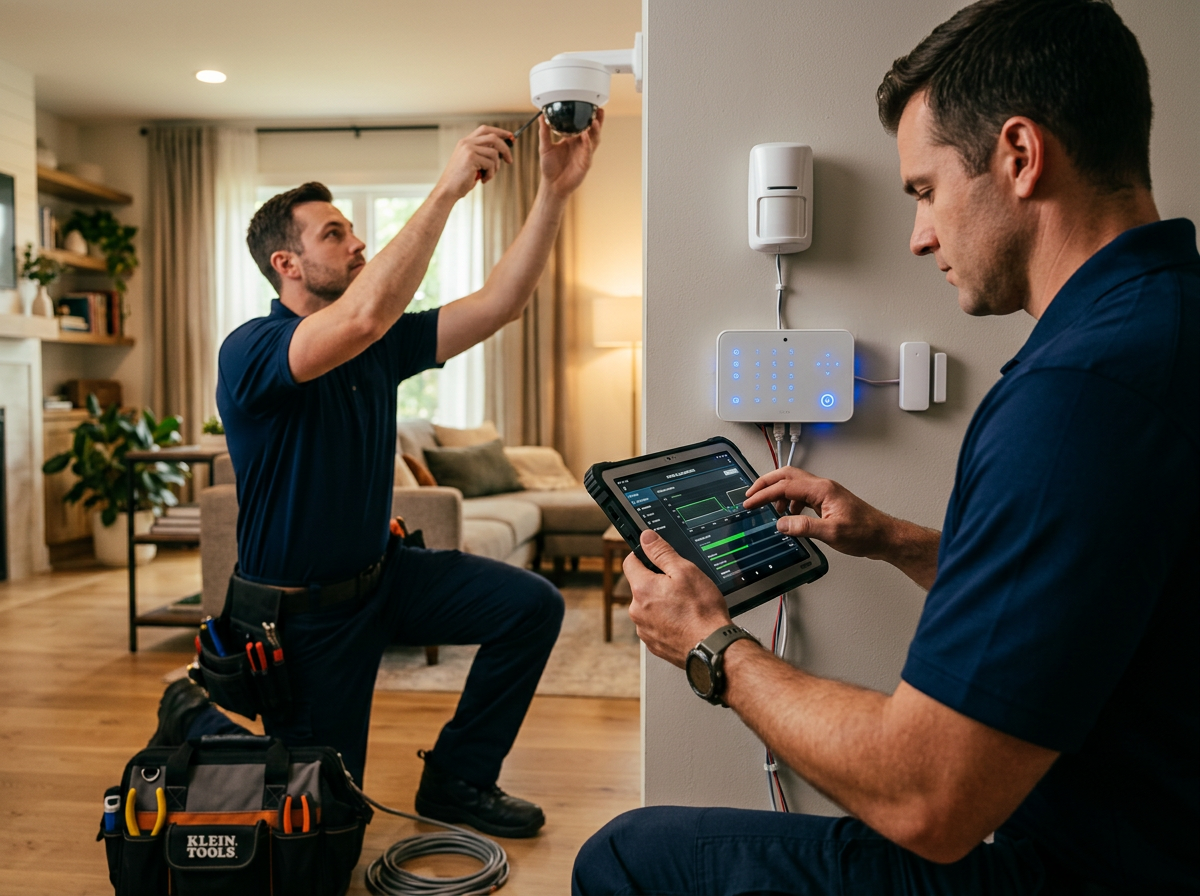
Professional security system installation cost covers the technician's time, design work, and the confidence that every sensor sits where it should.
That labor charge varies with home size, wall construction, and device count.
The installation fee is not just labor. It bundles a site survey, placement decisions, and a walkthrough, planning with real value for anyone who has mounted a camera in the wrong spot.
Security Camera Installation Cost: A Closer Look
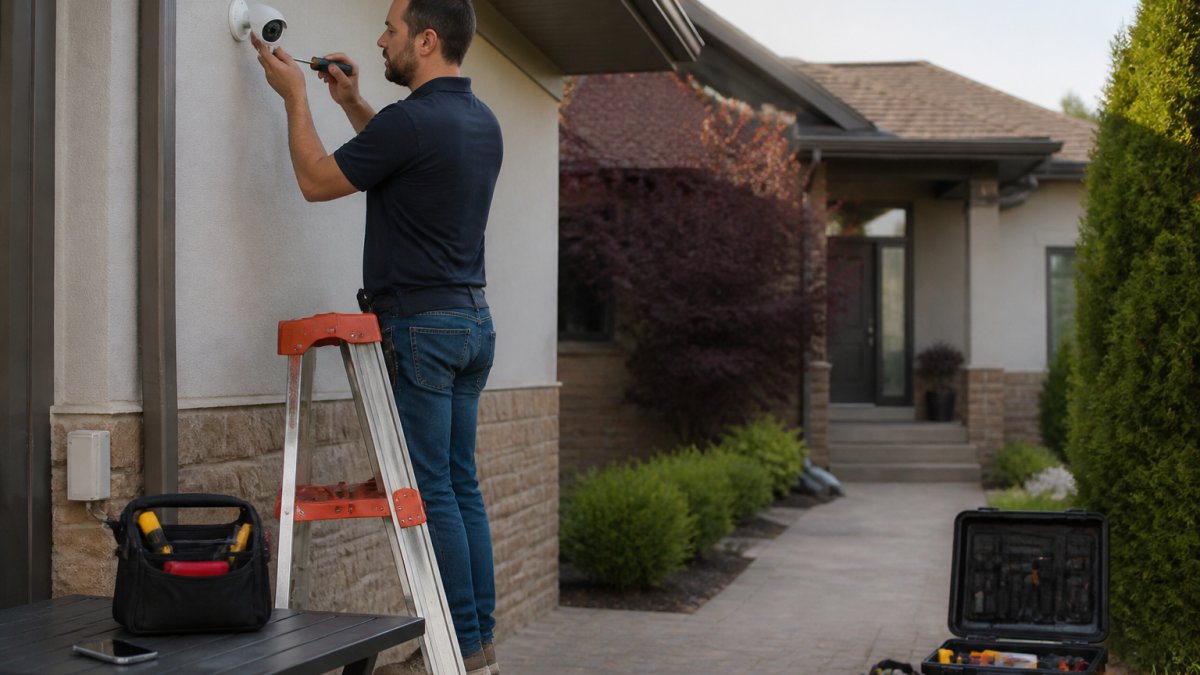
Security camera installation cost depends on camera type and placement. Wireless cameras mount faster; wired cameras need cable runs, which means more labor and time.
Camera count drives the number.
The practical difference between DIY and professional camera work is coverage. A technician tests angles in daylight and after dark, checks for glare, and confirms the field of view catches the entry points that matter.
| Camera Setup | DIY Effort | Professional Effort | Main Cost Driver |
|---|---|---|---|
| Single doorbell camera | Low | Quick visit | Device only |
| 2-4 wireless cameras | Medium | Half day | Camera count |
| 4+ wired cameras | High | Full day | Cabling and labor |
Home Security Monitoring Costs: Monthly and Long-Term
Home security monitoring costs are the recurring charge that outlasts every other expense, and the biggest reason two identical-looking quotes end up thousands apart. You have two paths: professional monitoring, where a central station watches around the clock, or self-monitoring, where alerts go to your phone.
What professional monitoring actually includes
A professional monitoring plan pays a central station to receive alarm signals, verify them, and dispatch police, fire, or medical responders. The station is staffed 24/7, and the operator follows a call list you provide before escalating.
Most residential professional monitoring plans fall into a few common pricing patterns:
- Basic cellular monitoring: alarm signals travel over a cellular radio so the system still works if your internet or power goes down.
- Cellular + home automation: adds app control of lights, locks, and thermostats.
- Cellular + video storage: adds cloud recording for cameras, often with tiered storage limits.
Those ranges are typical, not universal. A provider bundling equipment financing into the monthly bill can quote a low number that includes a device payment you would otherwise own outright.
The contract term is the real price
The lower headline rate is not automatically better.
Ask three questions before you sign:
- What is the total contract value, not the monthly rate?
- Is the equipment leased or owned at the end of the term?
- What is the early termination fee, and does it decline over time?
Self-monitoring: cheaper, but you are the dispatcher
Self-monitoring is genuinely cheaper monthly, and for some households it is the right call. The trade-off is that responsibility lands entirely on you: if your phone is on silent at 2 a.m. or the app is logged out, nobody else is watching.
A common middle path is hybrid monitoring: self-monitoring day to day, with professional monitoring switched on when you travel. Some providers let you toggle month to month.
Where the monthly bill quietly grows
Beyond the base plan, watch for these recurring add-ons:
- Extra camera cloud storage: each camera beyond the included count often adds a per-camera monthly fee.
- Cellular backup: sometimes bundled, sometimes a separate line item.
- Equipment financing: if the panel or cameras are leased, that payment rides inside the monthly bill and does not stop when the contract ends unless you buy out the gear.
- Professional monitoring: central station response, monthly fee, usually tied to a service agreement
- Self-monitoring: app alerts only, lower monthly cost, you are the responder
- Hybrid: self-monitoring day to day with optional professional monitoring when you travel
Hidden Costs and Contract Exit Fees to Watch For
Hidden costs separate a fair quote from an expensive one. The sticker price rarely includes everything, and the gaps show up months later.
Common add-ons include activation or setup fees, extra sensors beyond the base package, leased rather than owned equipment, and early termination charges.
The exit fee is the one people forget. A multi-year service agreement can carry a termination charge that wipes out whatever you saved on the monthly rate.
Lifetime Cost Comparison: DIY vs Professional Security Installation Cost
The lifetime view is where the DIY vs professional security installation cost debate gets settled, and the comparison most guides skip. DIY's upfront savings can shrink or vanish once you add monitoring, replacements, permits, and your own time. Below is a like-for-like total cost of ownership model you can adapt to your own numbers.
The five cost buckets that matter
Every system, DIY or professional, carries the same five cost categories. The difference is who pays them and when:
- Equipment, panel or hub, sensors, cameras, keypad, siren, and any smart locks or doorbell cameras.
- Installation, a labor fee for professional work, or your own time for DIY.
- Monitoring, monthly or annual, professional or self, for as long as you keep the system.
- Maintenance and replacement, batteries, failed sensors, camera upgrades, and the eventual panel refresh.
- Fees and exit costs, permits, activation, relocation, equipment financing, and early termination charges.
Most comparisons stop at buckets one and two. The other three are where the totals diverge.
A three-year total cost of ownership model
Here is a simplified side-by-side for a mid-size single-family home with four entry sensors, one motion sensor, a panel, and two cameras. Numbers are illustrative ranges, not quotes.
| Cost bucket | DIY (3 years) | Professional (3 years) |
|---|---|---|
| Equipment | $400-$900 | $600-$1,200 (often financed into monthly) |
| Installation labor | $0 cash, 4-10 hours of your time | $300-$800 one-time |
| Monitoring (professional) | $0-$360 if self-monitored | $1,080-$2,160 at $30-$60/mo |
| Monitoring (professional, if added) | $720-$1,440 at $20-$40/mo | included above |
| Batteries and small parts | $60-$150 | $60-$150 |
| Permit (if required) | $0-$150 | $0-$150 |
| Activation / setup fee | $0 | $0-$100 |
| Early termination (if you cancel) | $0 | $0-$500+ depending on term |
| Three-year cash total | $460-$1,560 (self-monitored) | $2,040-$4,560 |
DIY is cheaper on cash in almost every scenario, but the gap narrows sharply once you add professional monitoring to the DIY system, and can close entirely if you value your installation weekend at even a modest hourly rate.
Cost scenarios by home size and complexity
Averages hide the real decision. Here is how totals shift by property type:
- Apartment or condo, single entry: DIY is very realistic. One door sensor, one motion sensor, a hub, and a doorbell camera. Professional installation on the same setup is typically a short visit.
- Small single-family home, 2-3 entry points: DIY still works. Expect 3-6 hours of setup. Monitoring is the swing factor.
- Two-story home with 4+ cameras and wired runs: This is where DIY gets hard. Cable runs, ladder work, and angle testing push DIY setup past a full weekend.
The hidden fees that change the math
These line items turn a fair quote into an expensive one, and apply to both paths:
- Permits and local registration: some municipalities require an alarm permit, and some charge an annual renewal. Rules vary by jurisdiction, so check with your city or county before you buy.
- Activation or setup fees: a one-time charge to provision the account, sometimes waived with a longer contract.
- Relocation fees: if you move and want to take the system, professional providers may charge to uninstall and reinstall.
The homeowner-labor line item
DIY installation is not free, it is paid in hours. A basic system takes an afternoon; a four-camera wired setup can take a full weekend or more, plus a second person to watch the app while you adjust angles. At $30 an hour for eight hours, that is $240 of labor you supplied instead of paying a technician.
Where each path wins
- DIY wins on cash for renters, tech-comfortable owners, and simple single-entry homes, especially if self-monitoring is acceptable.
- Professional wins on reliability and support for larger homes, wired runs, and anyone who wants verified coverage, a labor warranty, and someone to call when a device fails.
- Hybrid wins on flexibility for homeowners who want to install the easy wireless pieces themselves and pay a professional for cameras, wiring, and panel configuration.
The break-even point depends on your time, your home's complexity, and your risk tolerance. Run your own numbers through the five buckets above.
For a professionally installed, professionally monitored system, pricing depends on your home size, device count, and monitoring plan. We quote each property individually, because a single-entry condo and a four-camera house are not the same job. Reach out to Protection Pros USA for a current quote built around your property.
How to Decide: A Decision Framework for Your Home
Choosing between DIY and professional comes down to three questions: how complex is your home, how much is your time worth, and how much risk can you tolerate?
Run through this checklist:
- Is your home single-story with few entry points? DIY is realistic.
- Do you have multiple floors, wired runs, or four-plus cameras? Professional is safer.
- Do you travel often and need remote monitoring you can trust? Professional monitoring fits.
- Is your time worth more than the labor fee? Then pay for installation.
A hybrid option exists too: install the easy wireless pieces yourself and bring in a professional for cameras, wiring, and the panel.
At Protection Pros USA, we have installed and monitored systems for homes and businesses since 2014, tailoring each setup to the property rather than forcing a package.
Frequently Asked Questions
How much does professional home security system installation cost?
Professional security system installation cost varies based on system complexity, home size, and whether wiring is needed. Always request a written estimate that breaks down equipment, labor, and any setup fees.
Is DIY home security cheaper than professional installation?
DIY home security system cost is often lower upfront because you avoid installation labor. However, the gap narrows when you factor in your time, potential mistakes, and the cost of adding professional monitoring later. DIY systems usually have lower equipment costs but may lack the same level of integration and support. For a true comparison, calculate total cost over 3-5 years, including monitoring fees and any replacements.
What costs should I include when comparing DIY and professionally installed security systems?
Include equipment cost (cameras, sensors, hub, keypad), installation fees (or your time value for DIY), monthly monitoring costs, contract termination fees, maintenance, and potential insurance discounts. Also consider whether you need permits. For DIY, factor in your hourly value for installation time. For professional, check if the installation includes setup, testing, and a warranty on labor. A side-by-side table helps reveal the true long-term cost.
Do DIY security systems require a monthly monitoring fee?
Most DIY security systems offer optional professional monitoring, or you can self-monitor for free via a smartphone app. Self-monitoring means you receive alerts and can check cameras, but you must contact emergency services yourself. Professional monitoring costs more but provides 24/7 dispatch. Some DIY brands require a subscription for certain features like cloud storage. Always read the terms to understand what happens if you cancel monitoring.