Last Updated: November 4, 2026
Quick Summary
Report a security incident by calling 911 first if anyone is in danger, then contacting your provider to confirm whether monitoring already dispatched help. For non-alarm events, call Protection Pros USA at 414-793-8532 during business hours, Monday through Saturday, 9am to 6pm CST, and document the details the same day.
- Monitoring operators receive alarm signals, verify them, and dispatch police, fire, or medical without you calling first.
- Call 911 first for a person in danger, a crime in progress, or a fire, then contact your provider.
- Follow response steps in order: get to safety, avoid touching anything, check system status, call your provider, write it down.
- Use a three-tier severity scale so a dead camera battery is not treated like a break-in.
- Update keyholder call lists whenever someone moves, changes a number, or leaves the household or business.
Table of Contents
- What Counts as a Security Incident Worth Reporting
- Who to Notify and How to Reach Them Fast
- Security Incident Response Steps to Take Immediately
- How to Write a Security Incident Report That Holds Up
- A Security Provider Incident Reporting Procedures Template
- Severity, Escalation, and Response-Time Expectations
- Evidence, Privacy, and Follow-Up After the Report
- Set Up Your Reporting Plan with a Free Assessment
- Frequently Asked Questions
What Counts as a Security Incident Worth Reporting
Your alarm goes off at 2 a.m., or you come home to a door that won't lock right.
A security incident is any event that threatens the safety of people or property, or that compromises the equipment protecting them.
So what belongs on that list? Most incidents fall into a few buckets:
- A break-in, attempted entry, or tampered door or window
- A panic, medical, smoke, or carbon monoxide alarm activation
- A camera or sensor that fails, goes offline, or shows suspicious activity
- Vandalism, package theft, or a stranger on the property
- A lost key, shared code, or compromised app login
- A power or internet outage that leaves the system running on backup
The last two matter more than people think. A security breach doesn't always involve a person climbing through a window. Sometimes it's a former employee who still has the garage code.
Who to Notify and How to Reach Them Fast
Speed matters, but so does order, and so does knowing which side owns each notification. In a monitored system, reporting duties split between you and your provider, and confusing the two is how incidents slip through.
Call 911 first for anything involving a person in danger, a crime in progress, or a fire. Then contact your monitoring provider.
What the provider handles versus what you handle
When an alarm trips, the monitoring center is already working. Professional monitoring operators receive the signal, attempt to verify it, and dispatch police, fire, or medical when needed.
What the provider cannot do is report what no sensor caught: a door left ajar, a package taken from the porch, a former employee who still has a code, a suspicious vehicle circling the block.
For Protection Pros USA customers, the reporting path is:
- Alarm activation: the monitoring center is already responding 24/7. You do not need to call first.
- Non-alarm incident or follow-up: call 414-793-8532 during business hours, Monday through Saturday, 9am to 6pm CST.
- Non-urgent documentation or records request: email admin@protectionprosusa.com.
Who else belongs on the list
- Household members or keyholders who need to know what happened and whether to stay away
- Your security officer or office manager, for a business
- Law enforcement, for any crime where you'll want a report number later
- Your insurance agent, if there's damage or a claim coming
- Any external supplier or contractor who was on site that day and may have its own reporting duty
Write this list down and keep it where everyone can find it. During a real event, nobody wants to search for a phone number. You can review our monitoring and contact details to confirm hours and the fastest way to reach a person.
When the normal channel fails
Phones drop, email bounces, and storms knock out power across southeastern Wisconsin. Plan a fallback before you need one:
- If the alarm is active and you cannot reach anyone by phone, call 911 directly and tell the dispatcher you have a monitored system. The monitoring center may already be dispatching; the dispatcher can confirm.
- If your internet is down, a system with cellular connection and battery backup can keep sending alarm signals even when Wi-Fi and power are out.
- If you reach voicemail after hours on a non-alarm matter, leave the incident time, location, and a callback number, then follow up by email for a written record.
- If a keyholder can't be reached, the monitoring center works down the call list you provided at installation. Keep that list current.
Watch out: the most common failure is a call list full of old phone numbers. Update keyholder contacts whenever someone moves, changes a number, or leaves the household or business.
Security Incident Response Steps to Take Immediately
The first ten minutes set the tone for everything after. Follow these security incident response steps in order.
- Get to safety. If someone may be inside, leave and call 911 from a safe spot.
- Don't touch anything. Preserve the scene exactly as you found it.
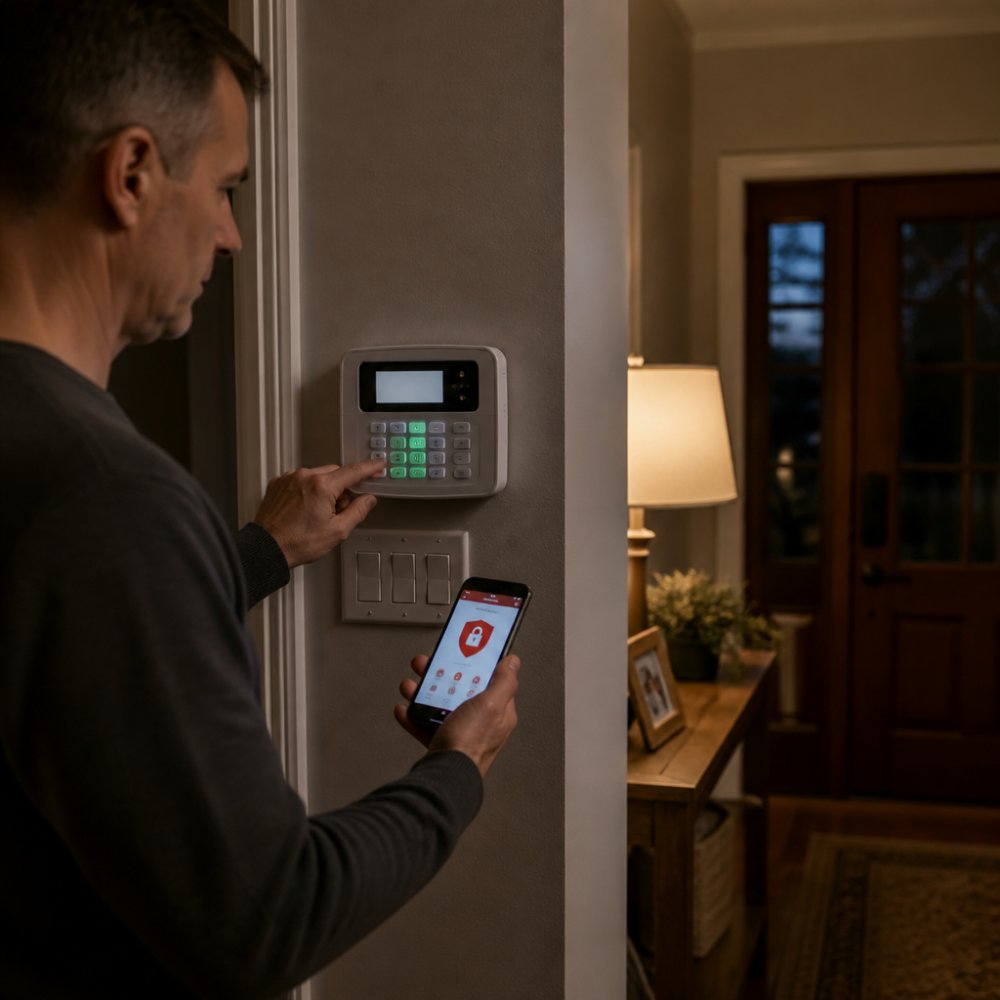
- Check your system status. Note which sensors or cameras triggered, and when.
- Call your provider. Report what happened and confirm whether monitoring already dispatched help.
- Write it down. Capture details while they're fresh, before memory blurs.
- Notify keyholders. Tell the people who need to act or stay away.
- Save your evidence. Download clips and export logs before they roll off.
Contain, Document, Then Call
Containment comes before conversation. Lock or board up the point of entry, secure pets, and keep people away from damaged areas.
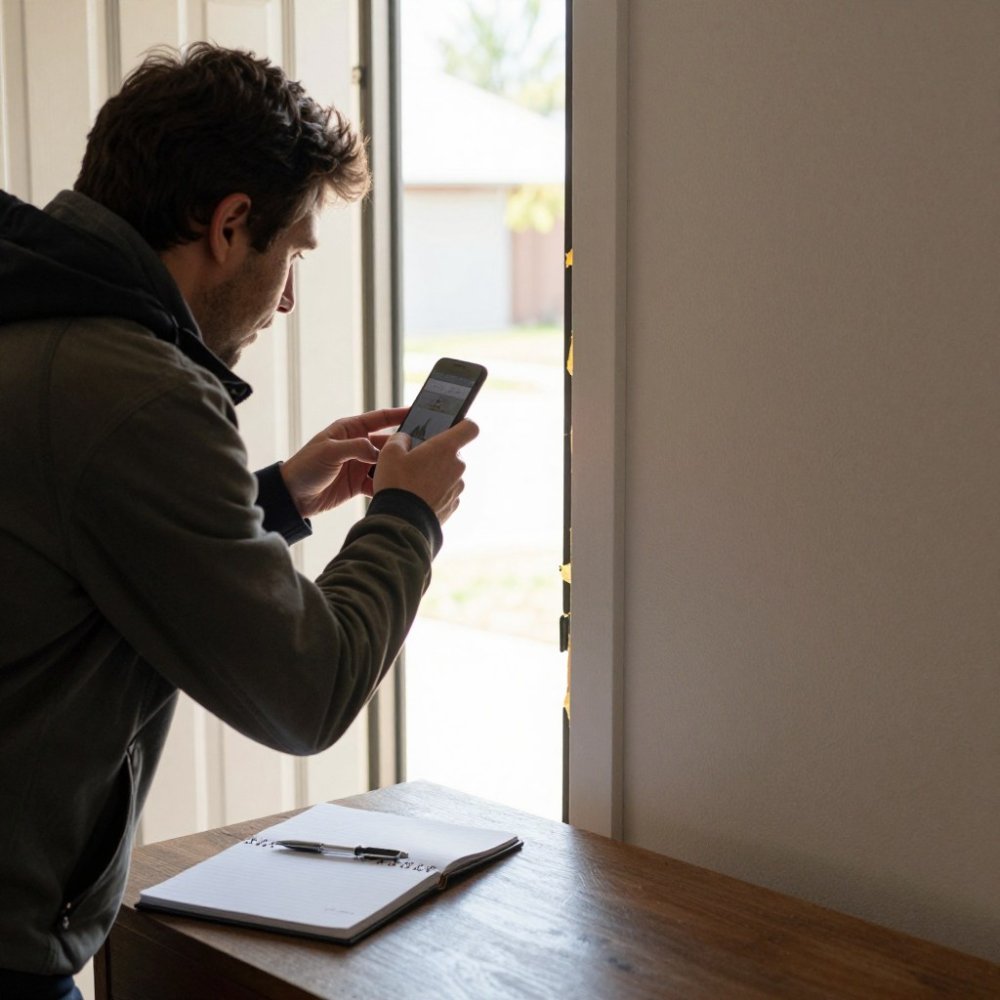
Documentation is where most people get sloppy. Grab the date and time, the exact location, what you saw, and who was there.
Then call. Reporting early gives your provider the best shot at pulling footage, checking sensor logs, and coordinating with police while the trail is warm.
How to Write a Security Incident Report That Holds Up
A security incident report is a written record of what happened, when, where, and who was involved, created so your provider, insurer, or police can act on it. Write it like someone else will read it, because they will.
Keep the tone plain and factual. Skip opinions and guesses. "The back door was open about two inches" beats "someone probably tried to get in."
A strong report answers these questions:
- What happened, in plain language?
- When did it happen, and when did you discover it?
- Where exactly, down to the room or entry point?
- Who saw or heard anything?
- What did you do in response?
- What evidence exists, and where is it stored?
The Details That Matter Most
The small stuff counts. A report that names the exact sensor, the exact time, and the exact camera clip is one your provider can actually investigate.
Include contact information for every witness, plus a note on who has been notified so far. If police responded, add the report number.
Watch out: vague entries like "suspicious activity near the garage" give an investigator almost nothing to work with. Specificity is what makes a report useful.
A Security Provider Incident Reporting Procedures Template
Here's a fill-in-the-blank version you can copy and keep on hand. It doubles as your security provider incident reporting procedures template, and it works for a home or a small business.
Fill this out the same day, every time. If you're also weighing which provider to work with, our guide to choosing a security provider covers what to look for in their reporting process.
Severity, Escalation, and Response-Time Expectations
Not every incident needs the same response. Severity determination keeps you from treating a dead camera battery like a break-in, and tells your provider how fast to move.
Use a simple three-tier scale, with example incidents and a target for each:
| Severity | Example incidents | Who responds | Target response |
|---|---|---|---|
| Critical | Break-in in progress, fire, smoke or CO alarm, medical alert, person in danger | 911, then monitoring center dispatch | Immediate, monitoring dispatches on signal |
| High | Tampered entry point, alarm activation with no answer from keyholders, camera offline at a main entry, cut wire | Provider, keyholders, possibly police | Same day |
| Low | Single sensor glitch, app login issue, routine footage request, dead battery | Provider support | Next business day |
Setting notification deadlines
A severity tier is only useful if it comes with a clock. A workable pattern many organizations use:
- Critical: report to 911 and confirm monitoring dispatch within minutes. Do not wait to "gather more information", the monitoring center is already acting on the signal.
- High: report to your provider the same day, and notify keyholders within the hour so no one walks into a compromised entry point.
- Low: log it and report the next business day. A single odd sensor trip is worth a note, not a panic.
When to escalate
Escalation means moving an incident up a tier when new facts appear, and saying so out loud so the report reflects it. Common triggers:
- A low-tier sensor fault turns out to be a cut wire, now high.
- A high-tier tampered door turns out to have a person inside, now critical, call 911.
- A camera that went offline at a back gate is discovered to have been unplugged deliberately, now high.
- A pattern of "coincidental" low-tier events at the same entry point over several days, escalate and ask your provider to review the logs.
When you escalate, update the report and tell everyone who was already notified. A keyholder acting on the old tier is a keyholder making the wrong decision.
Who owns the response
The provider owns the alarm signal, the dispatch, and the footage pull. You own the scene, the witness statements, and the decision to call police for a non-alarm event.
Response time depends on severity and on whether monitoring has already dispatched. If you want a closer look at what to expect after a report, our article on provider response times breaks it down.
Evidence, Privacy, and Follow-Up After the Report
Evidence handling decides whether a report leads anywhere. Save camera clips, export sensor logs, and photograph damage before anything is cleaned or repaired.
Chain of custody matters if police or an insurer get involved. Note who accessed the footage and when.
Privacy and contractual duties deserve a mention too.
Follow-up is where incidents turn into improvements. If you have questions about how reporting and privacy work on our end, our FAQ answers the common ones.
Set Up Your Reporting Plan with a Free Assessment
A reporting plan only works if it's built for your actual property.
That's where a free security assessment helps.
Call 414-793-8532 or request your free quote at protectionprosusa.com. We respond within 24 hours, and the assessment comes with no obligation.
A security incident is stressful enough without wondering who to call or what to write down.
*$99 Customer Installation Charge. 36-Month Monitoring Agreement required at $72.99 per month.
Frequently Asked Questions
What are the five steps for reporting a security incident?
Start by making the area safe and calling 911 if anyone is in danger. Next, contain the problem without disturbing evidence, then contact your security provider so they can check sensor and camera data. Write down what happened while it is fresh, including the date, time, location, and who was involved. Finally, submit your written security incident report and follow up to confirm it was received and logged.
How do I report a security incident to my security provider?
Call your provider's monitoring or service line first for anything active, since a live event needs a fast response. For past events, use the reporting channel your provider gives you, such as a help desk number, email, or online form. Have your account number, the date and time of the incident, and a short description ready. Ask for a confirmation or ticket number so you have a record that your report was received.
What information should I include in a security incident report?
Cover the five Ws: who was involved or affected, what happened, when it happened, where on the property it occurred, and why or how it appears to have happened. Add sensor or camera zones triggered, witness names and contact information, and any police report number. Note what you did to contain the issue and what is still unresolved. Clear, factual detail helps your provider investigate faster and supports any insurance claim.
When should I contact my security provider after an incident?
Contact them immediately if the incident is active, if an alarm was triggered, or if you suspect a break-in, fire, or flood. For something discovered later, such as a camera outage or a tampered sensor, report it the same day so the equipment can be checked. Fast reporting preserves camera footage and system logs, which may be overwritten after a short window.