
Last Updated: November 8, 2026
Quick Summary
To document a break-in for a security provider, preserve the scene, photograph each entry point before touching anything, and log a timeline of when you left, when the alarm triggered, and when you called police. Then send your provider one organized message with your account number, the alarm zone that triggered, the police report number, and the clips covering the incident window.
- Call 911 first if anyone is hurt or the intruder may still be inside, then the police non-emergency line.
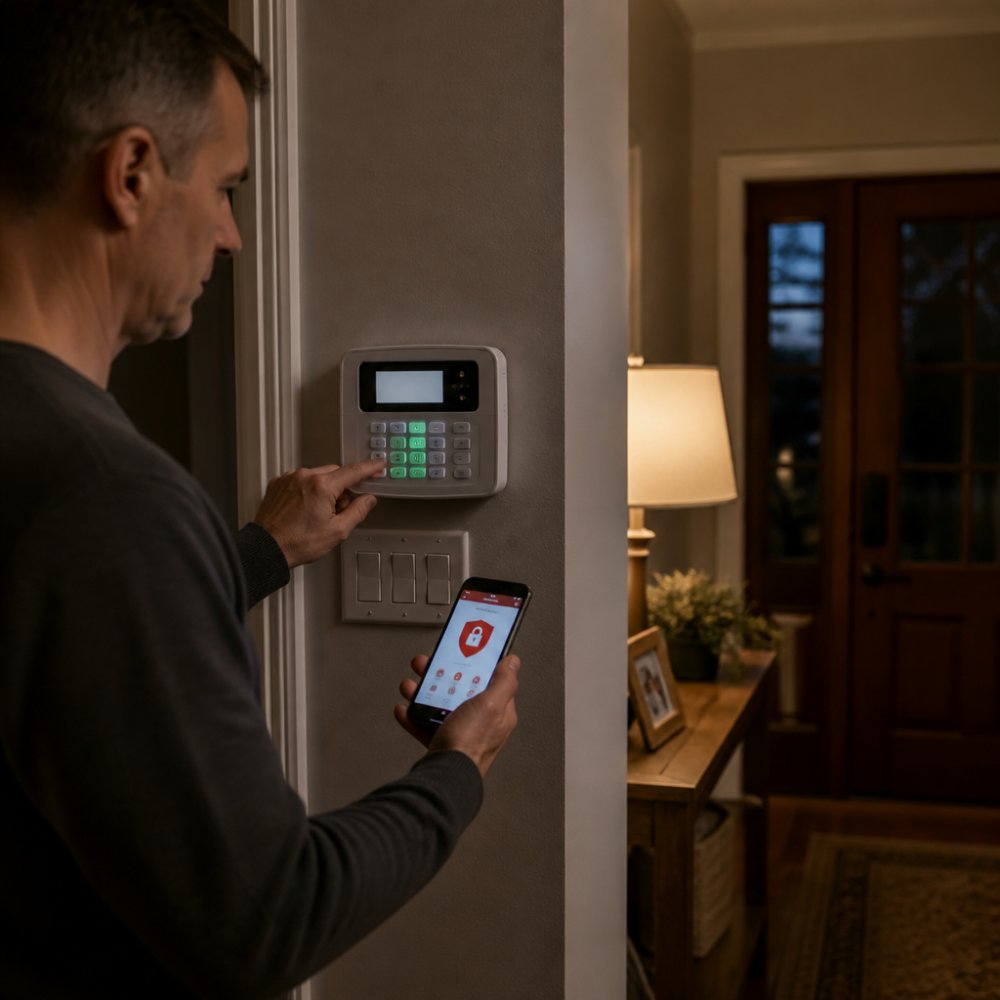
- Photograph the alarm panel display and any error codes before you reset the system.
- Pull camera footage the same day, since many systems overwrite old clips on a rolling schedule.
- Label confirmed facts separately from assumptions in your incident report, because investigators treat them differently.
- Share only clips covering the incident window through an expiring link, never a public folder.
Table of Contents
- What to Do After a Break-In: First Steps Before You Document Anything
- How to Document a Break-In for a Security Provider: A Step-by-Step Guide
- Your Break-In Evidence Checklist for a Security Provider
- How to Preserve Security Camera Footage After a Break-In
- What to Include in a Break-In Incident Report Template
- What to Send Your Security Provider: A Notification Checklist
- Requesting a Post-Incident Security Review in Milwaukee
- Frequently Asked Questions
What to Do After a Break-In: First Steps Before You Document Anything
Someone kicked in your back door. Your first instinct is to walk through the house and see what's gone. Don't. Police and security professionals need the scene as close to untouched as possible, and every step you take can smudge a print or crush a footprint.
Call 911 first if anyone is hurt or the intruder may still be inside, then the police non-emergency line to file a report.
- Get everyone out and account for each person
- Call 911 or the non-emergency line
- Do not touch doors, windows, or anything the intruder may have handled
How to Document a Break-In for a Security Provider: A Step-by-Step Guide
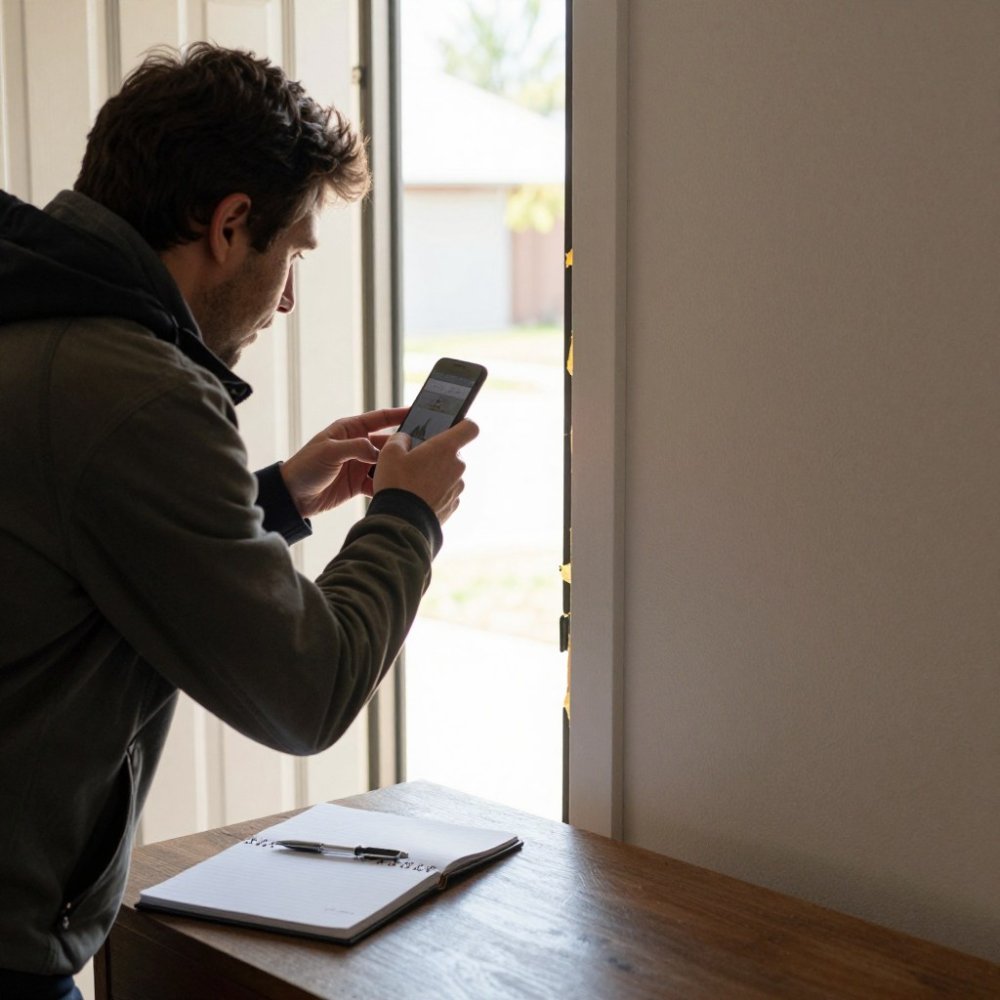
Learning how to document a break-in for a security provider is mostly about order and accuracy. You are building a record that helps your alarm company and police work from the same facts.
Step 1: Secure the Scene and Preserve the Evidence
Keep the scene locked down until police release it. Board up a broken window or door only after officers say you can, and save the broken pieces instead of tossing them. Wear gloves if you must handle anything, and note where each item was before you moved it.
Step 2: Create a Detailed Incident Timeline
Write down every time you know, even approximate ones: when you left, when the alarm triggered, when you returned, and when you called police. A clear incident timeline helps your security provider match alarm events and surveillance footage to the right window of time.
Step 3: Distinguish Confirmed Facts from Assumptions
Separate what you saw from what you think happened. "The side window was open" is a confirmed fact. "They probably came in through the garage" is an assumption. Your incident report should label each one, because investigators and insurers treat them differently.
Your Break-In Evidence Checklist for a Security Provider
A break-in evidence checklist keeps you from missing the details that matter most. Work through it in order and photograph each item before you clean anything up.
Photographing the entry point
Start at the point of entry and work inward. Stand back far enough to show the whole door or window in context, then move in for close-ups.
- A wide shot of the entry point showing the surrounding wall, frame, and floor
- A medium shot of the damaged lock, strike plate, hinge, or glass
- A close-up of tool marks, pry marks, or broken glass edges
Watch out: Do not pick up broken glass or a damaged lock to get a better angle. Photograph it where it fell, and let the responding officer tell you when it can be moved.
Cataloging missing property
For each missing item, record the make, model, color, approximate size, and serial number if you have one. Serial numbers are the best identifier for recovery, so check receipts, warranty cards, and original boxes. For electronics, note the account or device names; for jewelry and heirlooms, describe the piece and attach any appraisal or photo you have.
- Item description with make, model, and color
- Serial number or unique identifier
- Approximate value and date of purchase
Preserving physical evidence
Physical evidence is fragile. A footprint in snow or mud, a dropped glove, a cigarette butt, or a tool left behind can tie a suspect to the scene, but only if it stays intact. Do not sweep, mop, or wipe any surface until police release the scene. If weather is about to destroy a footprint outside, tell the responding officer and ask whether they want it photographed first.
- Note the location of any dropped or left-behind item without moving it
- Photograph footprints, tire tracks, or tool marks before weather changes them
- Keep the broken pieces of a door, window, or lock in a bag labeled with where they came from
Capturing the alarm and system record
Your alarm panel and cameras hold a record of the event separate from anything you write down. Photograph the panel display, including any trouble or error codes, before you reset it. Note whether the system was armed, which zone or sensor triggered first, and whether the siren sounded. Screenshot the event history and each alert's timestamp in your app.
- Photo of the alarm panel status and any error codes
- The zone or sensor that triggered first
- Whether the system was armed at the time
Recording the official response
Write down the names and badge numbers of every responding officer, the police report number, and the agency that took the report. If a detective or evidence technician is assigned later, add that name and contact. Keep these details with the rest of your documentation so your security provider can reference the same report when reviewing alarm logs.
How to Preserve Security Camera Footage After a Break-In
Security camera footage is the most useful evidence you can hand over, and the easiest to lose. Many systems overwrite old clips on a rolling schedule, so pull the footage the same day you notice the break-in.
- Open your camera app and find the clip covering the alarm window
- Download the clip to your phone and email it to yourself
- Export a copy to a USB drive if your system supports it
- Screenshot the timestamp and camera name for each clip
- Do not edit, trim, or enhance the footage
- Note who downloaded each file and when
Cloud storage makes this simpler because the clip stays available even if the recorder is damaged or stolen. To understand how monitored cameras and cloud backup work together, see our Milwaukee home security systems and 24/7 monitoring. You can also read more about cloud storage options for break-in footage.
What to Include in a Break-In Incident Report Template
A break-in incident report template gives you a repeatable format for the facts. Use this structure and fill in each field as you go.
| Section | What to Record | Example |
|---|---|---|
| Header | Date, time, location, your name | Nov 8, 2026, 2:15 p.m., rear entry |
| Incident summary | One or two sentences on what happened | Rear door forced open, glass broken |
| Timeline | Key times from departure to police arrival | Left 8 a.m., alarm 1:40 p.m., returned 2:10 p.m. |
| Confirmed facts | What you directly observed | Door frame split, laptop missing |
| Assumptions | What you suspect but cannot confirm | Possible entry through unlocked gate |
| Damage assessment | Physical damage and estimated repair needs | Door frame, lock, glass pane |
| Missing property | Items, descriptions, serial numbers | Laptop, model and serial number |
| Evidence collected | Photos, footage, witness notes | 14 photos, 2 video clips |
| Contacts | Police report number, officer name | Report number and responding officer |
| Follow-up actions | Steps still open | Board-up, lock change, provider call |
Write the report in plain language and keep a copy. Accuracy matters if you file an insurance claim or need to support a police investigation.
What to Send Your Security Provider: A Notification Checklist
Your security provider needs a specific set of facts to act fast, and how you send them matters as much as what you send. A single organized message, with files named clearly and personal information handled carefully, lets the monitoring team match your report to alarm events and camera footage without back-and-forth.
The core fields to include
- Your account number and the property address, including unit or suite number
- The date and time window of the break-in, with the earliest and latest possible times
- The alarm event details, including which sensor or zone triggered and in what order
Each field does a job. The time window lets the provider pull the right alarm events and camera clips. The sensor and zone detail tells them whether the system performed as designed or a gap let the intruder through. The police report number lets them cross-reference the official record. The follow-up request tells them what to schedule next.
How to transfer footage and files securely
Surveillance footage often shows neighbors, family members, or passersby, so treat it as sensitive. Share only the clips covering the incident window, not your entire archive.
- Name files by camera and date, for example rear-door and the date of the break-in
- Share a link that expires rather than a permanent public folder
- Send only the clips covering the incident window
- Keep a copy of everything you send, and note who received it and when
Watch out: Do not post footage to social media or a public group to try to identify a suspect. It can compromise the investigation and expose people who did not consent to being filmed.
Keep a record of the exchange
Keep the whole exchange in writing so your investigation records stay complete. Save the email or message thread, note the date and time of each call, and write down the name of each person you speak with. If your provider reviews alarm logs or camera health, ask for the results in writing.
What to expect next
After you send the notification, a provider review typically covers whether the alarm signal reached the monitoring center, how quickly it was processed, whether video verification was available, and whether any sensor failed to trigger. To see what that review looks like on your end, read about what to expect from your security provider after a report.
Requesting a Post-Incident Security Review in Milwaukee
A break-in is a hard way to learn where your property is weak, but it is also the best time to fix those gaps.
Ask your provider to review:
- Which sensors triggered and which did not
- Camera coverage and any blind spots
If you are ready to strengthen your system, request a post-incident security assessment and see our security services.
A break-in leaves you rattled, and the paperwork is the last thing you want to deal with.
*$99 Customer Installation Charge. 36-Month Monitoring Agreement required at $72.99 per month.
Frequently Asked Questions
What should I do first after discovering a break-in?
Your first priority is safety. If the intruder might still be inside, leave the property immediately and call 911 from a safe location. Once law enforcement has secured the scene, you can begin to document a break-in for your security provider. Do not touch anything or clean up until you have taken photos and the police have finished their initial assessment.
What information should I give my security provider after a break-in?
Provide your security provider with a copy of the police report number, a detailed timeline of events, and any available security camera footage. Use a break-in evidence checklist to ensure you have documented all damaged property, potential entry points, and any missing items.
How can I preserve security camera footage after a break-in?
Immediately export the relevant footage from your security system to a secure location, like a password-protected cloud drive or a physical hard drive. Do not delete or overwrite the original files. Note the exact timestamps of the break-in and save clips from all cameras that might have captured the event. This footage is critical evidence for both your security provider and law enforcement.
Should I contact my security provider or the police first after a break-in?
Always call 911 first if you suspect a break-in is in progress or the intruder may still be on the property. Once law enforcement is on the scene and the area is secure, contact your security provider, like Protection Pros USA, to report the incident.