Last Updated: November 2, 2026
Quick Summary
Security response time is the total elapsed time from an alarm activation to a meaningful action: the monitoring center acknowledging the signal, verifying it, dispatching help, and someone arriving on site. It is not one number but a chain of handoffs, and the slowest link sets your real-world result. Watch the whole chain, not one link.
- The four milestones are acknowledgment, verification, dispatch, and arrival time.
- An outdated contact list wastes minutes while the operator calls a dead number.
- Video verification can shorten the path to a real emergency response and reduce false dispatches.
- Ask providers for timestamped incident records and read the service-level agreement line by line.
- Test the system yourself after installation by placing zones in test mode and timing acknowledgment.
Table of Contents
- What Security Response Time Actually Means
- Alarm Monitoring Response Time: What Happens After the Signal
- The Security Alarm Response Process, Step by Step
- How Alarm Verification and Dispatch Change the Timeline
- Factors That Affect Response Speed in Milwaukee and Beyond
- Alarm Monitoring Questions to Ask Before You Sign
- How to Verify a Provider's Real-World Response Performance
- Claim Your Free Security Assessment
- Frequently Asked Questions
What Security Response Time Actually Means
Your alarm goes off at 2 a.m. and you're lying there wondering if anyone is actually coming. That waiting feeling is what security provider response time expectations are all about.
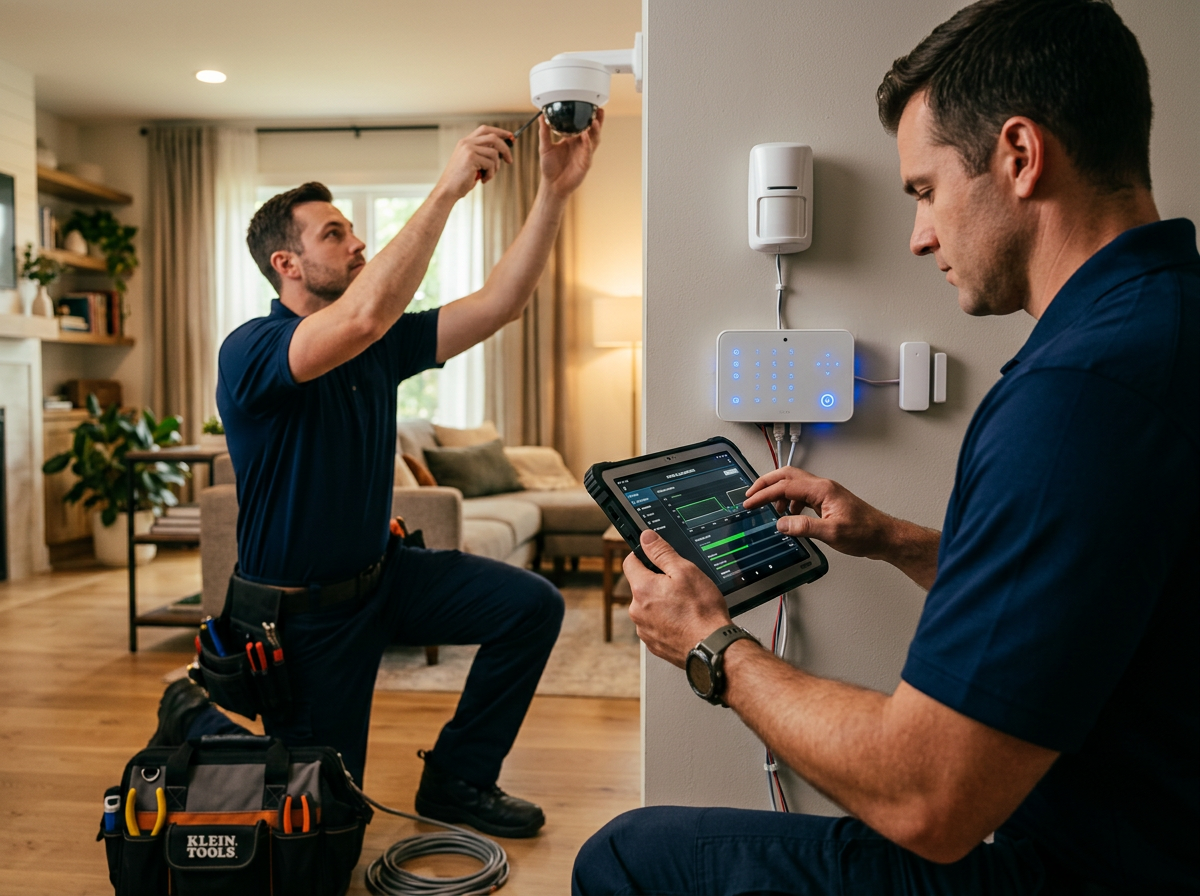
At Protection Pros USA, your local ADT Authorized Provider through SafeStreets, we walk Milwaukee-area homeowners through this chain before they sign anything.
The Four Response Milestones That Matter
- Acknowledgment time: how fast the monitoring center picks up the signal
- Verification time: how long it takes to confirm the alarm is real
- Dispatch time: the gap between confirmation and calling police, fire, or medical
Each one is measured differently, and each one can be written into a contract, or left out entirely.
Alarm Monitoring Response Time: What Happens After the Signal
Alarm monitoring response time starts the instant a sensor trips.
From there, a trained operator reviews the account, checks the zone, and follows the response protocol on file.
The industry term for this whole sequence is the security alarm response process, and it runs on a fixed set of stages rather than guesswork.
Acknowledgment, Verification, Dispatch, Arrival
Picture the four stages as a relay race. A slow baton pass at any stage slows the whole run.
- Acknowledgment is the handoff from your panel to a live operator
- Verification is the operator's judgment call on whether the alarm is genuine
- Dispatch is the call to emergency services or a response team
A provider that's fast on acknowledgment but slow on verification hasn't actually helped you. Watch the whole chain, not one link.
The Security Alarm Response Process, Step by Step
Here is how the security alarm response process typically unfolds once a sensor triggers.
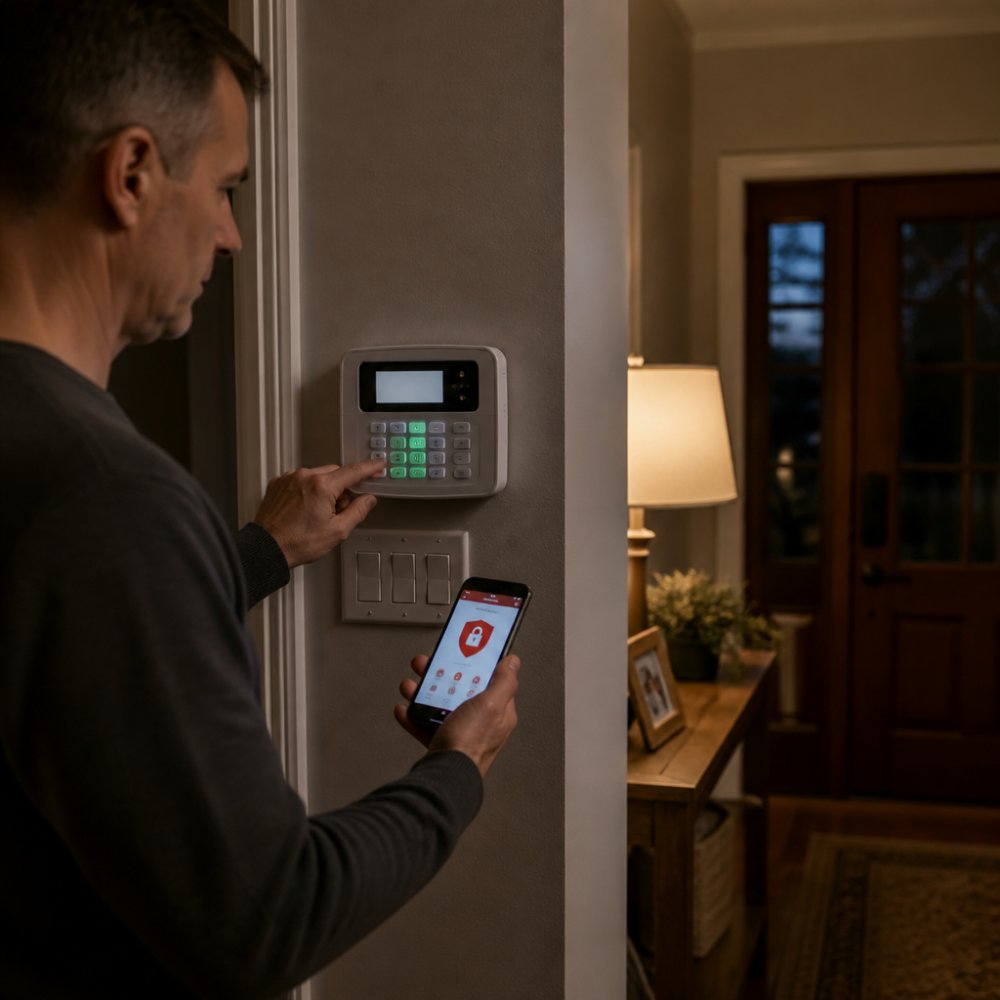
- Activation. A sensor trips and the panel sends a signal.
- Signal receipt. The monitoring center logs the alarm and opens your account.
- Operator contact. An operator calls the number on file to confirm.
- Verification. The operator checks video, listens for audio, or confirms with you.
- Dispatch. Police, fire, or medical is called based on incident severity.
- Notification. You get an alert through the app or a phone call.
- Resolution. Responders arrive, assess the scene, and clear or contain the incident.
The step that trips people up is number three. If your contact list is outdated, the operator wastes precious minutes calling a number that no longer works.
Here is how each stage of the alarm response process typically unfolds once a sensor triggers.
| Step | What happens |
|---|---|
| Activation | A sensor trips and the panel sends a signal |
| Signal receipt | Monitoring center logs the alarm and opens your account |
| Operator contact | An operator calls the number on file to confirm |
| Verification | Operator checks video, listens for audio, or confirms with you |
| Dispatch | Police, fire, or medical called based on incident severity |
| Notification | You get an alert through the app or a phone call |
| Resolution | Responders arrive, assess the scene, clear or contain the incident |
How Alarm Verification and Dispatch Change the Timeline
Alarm verification and dispatch are where the biggest differences between providers show up. A provider may promise fast dispatch but say nothing about how quickly it verifies first.
Video verification can shorten the path to a real emergency response because the operator can see whether someone is there. It also reduces false dispatches, which matters because repeated false alarms can lead to fines and wasted police time.
Factors That Affect Response Speed in Milwaukee and Beyond
Two homes on the same block can see very different arrival times, because response speed is shaped by factors that have nothing to do with how fast the monitoring center answers.
Incident Priority Changes Everything
Not every alarm gets the same response. A confirmed break-in with video showing a person inside gets priority dispatch. A single motion sensor tripping with no other signal may get a phone call first, then a standard dispatch if the operator can't reach you. A smoke or carbon monoxide alarm is treated as a life-safety event and typically moves to the front of the line.
Travel Distance and Geography
A monitoring center can be lightning fast, but if the nearest responders are far away, arrival time stretches.
- Urban neighborhoods like Bay View, Walker's Point, and South Milwaukee usually see shorter arrival windows because police and fire are close.
- Suburban areas like Wauwatosa, Brookfield, Greenfield, and Oak Creek add a few minutes of drive time.
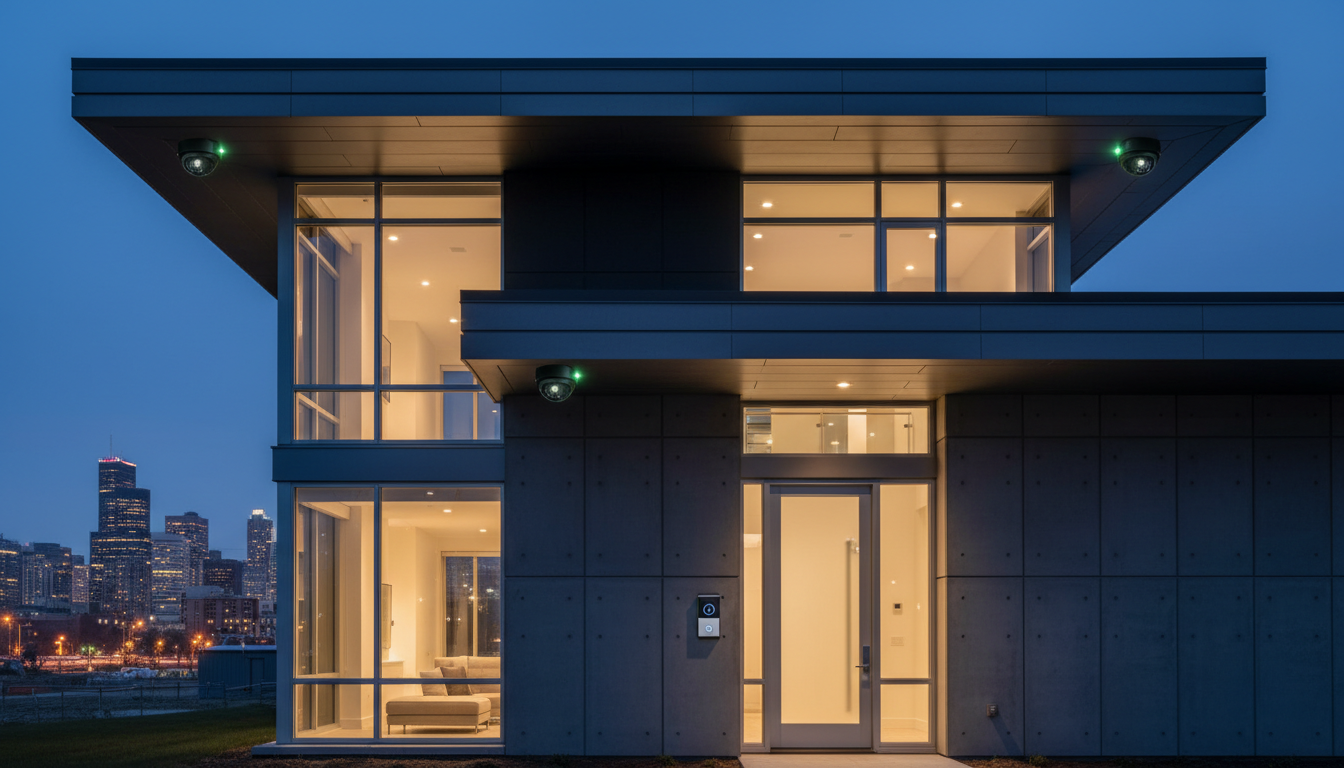
- Rural areas and lake homes up north can see much longer arrival windows, so on-site deterrence, visible cameras, lighting, signage, and a monitored system that makes noise, matters more than arrival speed.
Access and Site Conditions
A responder who can't get to your door can't help you. Gated driveways, locked vestibules, snowed-in walks, and unmarked units all add time. For businesses, keep your keyholder list and access instructions current, and consider a lockbox or access-control plan for after-hours response. In Wisconsin, winter adds its own delays: plowed-in driveways, icy steps, and road closures during a storm can push arrival times well past normal.
Verification and False-Alarm History
Video verification also reduces false dispatches, which matters because repeated false alarms can lead to fines and wasted police time, and in some jurisdictions, a history of false alarms can change how your future alarms are prioritized. Keep your sensors maintained and your pets accounted for.
Staffing and Scheduling
Monitoring centers staff to demand, and demand spikes during storms, holidays, and overnight hours. A provider that owns its centers can adjust staffing directly; one that subcontracts has less control. For businesses with multiple locations, ask how coverage is scheduled across sites and whether backup monitoring is in place.
Communication and Contact Lists
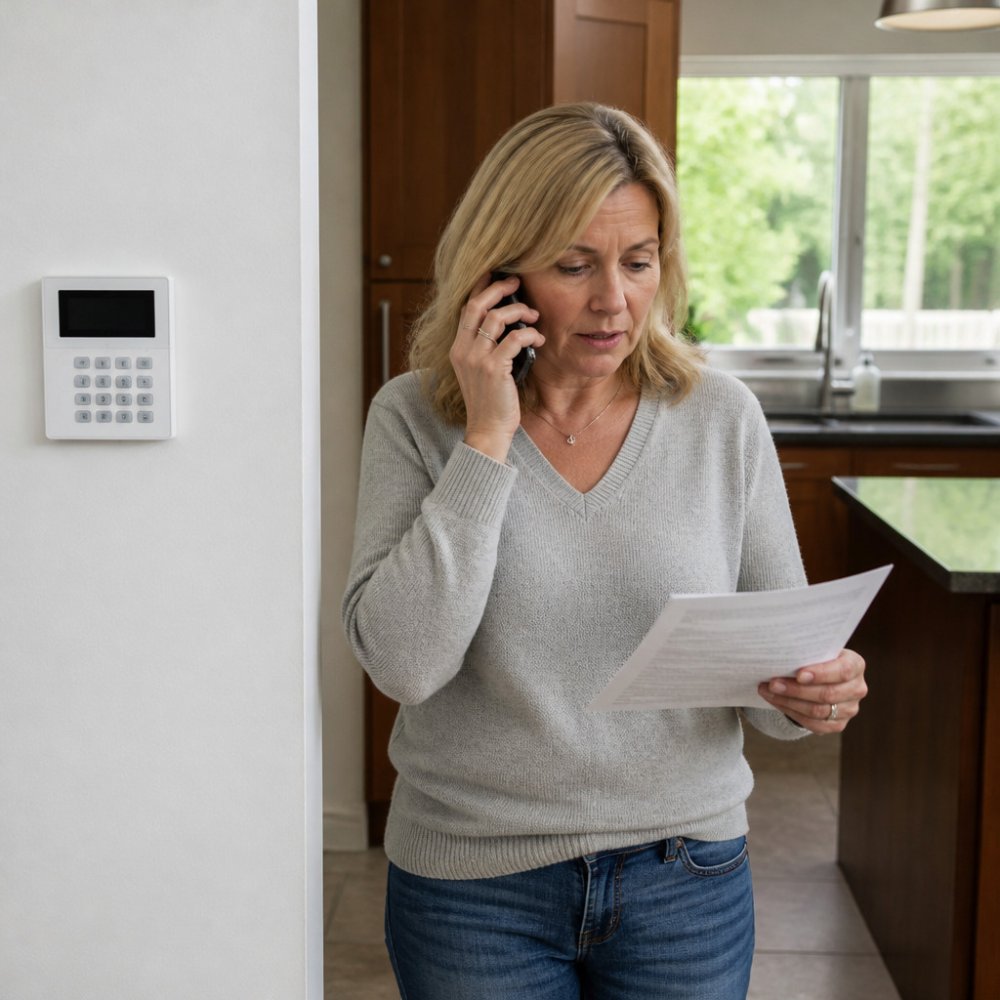
The fastest way to slow down your own response is an outdated contact list. If the operator calls a number that no longer works, minutes disappear. Update your contacts whenever a phone number, keyholder, or tenant changes.
That's why knowing how alarm system monitoring works in Milwaukee helps you set realistic expectations for your own neighborhood, and why a free in-home assessment is worth more than any generic response-time chart.
Alarm Monitoring Questions to Ask Before You Sign
Ask these alarm monitoring questions before you sign anything, and write the answers down.
- What is your acknowledgment time, and how is it measured?
- Do you offer video verification, and does it change dispatch priority?
- What are your escalation rules by incident severity?
If a provider can't answer these clearly, that's your answer. For a broader look at comparing companies, see this guide on how to choose a security provider.
How to Verify a Provider's Real-World Response Performance
Advertised response times are marketing. Documented performance is evidence, because almost every company will claim fast response while very few will show you the records behind the claim.
Here is how to verify what a provider actually delivers before you sign.
Ask for Timestamped Incident Records
A serious provider logs every alarm event with timestamps at each stage: signal receipt, operator acknowledgment, verification, dispatch, and arrival or resolution. Ask to see a sample incident log with account details redacted. If a provider can't produce one, they aren't measuring what they advertise.
Read the Service-Level Agreement Line by Line
The service-level agreement (SLA) is where response-time promises either become enforceable or evaporate. Look for these specific elements:
- Clock start and stop definitions. Does the clock start when the sensor trips, when the signal reaches the center, or when an operator opens the account? Does it stop at dispatch, at arrival, or at resolution? A provider can look fast or slow depending on where they draw the lines.
- Exclusions. Weather, road closures, false-alarm volume, and customer-caused delays (outdated contact lists, pets tripping sensors) are commonly excluded. That's reasonable, but the exclusions should be written down, not discovered after an incident.
- Reporting cadence. Will you receive a monthly or quarterly performance summary? Can you request an incident report after any alarm?
- Escalation path. Who do you call when a target is missed, and what happens next?
Check Who Owns the Monitoring Center
A provider that owns its monitoring centers controls staffing, training, and technology directly. A provider that subcontracts monitoring has less control over the handoffs that determine your real response time. Ask directly: do you own your monitoring centers, or do you route signals to a third party? Protection Pros USA works with ADT, which operates six ADT-owned 24/7 monitoring centers across the U.S. with built-in redundancy, so a backup center can pick up if one goes down.
Review Drill Results and Performance Trends
Ask whether the provider runs periodic tests or drills and whether results are shared with customers. A single fast incident proves little; a trend over months shows whether performance is consistent. For a business system with multiple sites, ask for performance broken out by location.
Test the System Yourself After Installation
Once your system is live, put a sensor into test mode and time the acknowledgment yourself. Most panels and the ADT+ app let you place zones in test mode so you can confirm the signal reaches the monitoring center without triggering a dispatch. Do this at installation and again after any major change to your contact list or equipment.
You can review our monitoring and services to see how this works locally, and if you want the broader comparison framework, see our guide on how to choose a security provider.
Claim Your Free Security Assessment
A free in-home assessment is the fastest way to get real answers about response time for your specific property.
Call 414-793-8532 or request your free quote and schedule your assessment today.
Your alarm should never leave you guessing whether help is on the way.
*$99 Customer Installation Charge. 36-Month Monitoring Agreement required at $72.99 per month.
Frequently Asked Questions
What is a good response time from a security provider?
There is no single industry-wide number. A good response time depends on the incident type. For a monitored alarm, the monitoring center should acknowledge the signal within seconds and attempt to verify it before dispatching police, fire, or medical. On-site guard response varies by contract and location. Ask your provider to define acknowledgment, verification, dispatch, and arrival times in writing, and compare those figures against your property's risk level.
Does a security provider guarantee police response times?
No. Police response is handled by local law enforcement, not the alarm company, so no security provider can guarantee it. What a provider can control is how fast its monitoring center acknowledges the alarm, verifies it, and dispatches the appropriate agency. Alarm verification, including video verification, can help reduce false dispatches and give responders better information when they arrive.
How does alarm verification affect emergency response?
Alarm verification is the step where the monitoring center confirms whether an alarm is real before dispatching. Operators may call the home, check video, or contact a listed keyholder. Video verification can let an operator see what triggered the alarm and pass details to dispatchers. This step can add a short delay, but it often reduces false dispatches and gives police or fire more useful context when they respond.
What alarm monitoring questions should I ask before signing a contract?
Ask how the monitoring center acknowledges an alarm, whether it uses video verification, how it contacts keyholders, and what happens if no one answers. Ask for the service-level agreement in writing and confirm how response performance is measured. Also ask about cellular backup and battery backup so the system still works during a power or internet outage, and confirm who to call locally if equipment fails.