
Table of Contents
- Why Homeowners Look for a Vivint Alternative for Home Security
- Vivint vs ADT: How the Two Largest Players Compare
- Vivint vs Ring: Installation, Monitoring, and Smart Home Features
- Home Security Systems Without Contracts: What to Expect
- Home Security System Costs: Equipment, Installation, and Monitoring
- Top Vivint Alternative for Home Security: SimpliSafe, Cove, and Local Providers
- Conclusion
- Frequently Asked Questions
Last Updated: October 19, 2026
Why Homeowners Look for a Vivint Alternative for Home Security
Most people start shopping for a Vivint alternative for home security when the contract renewal arrives, or a rep quotes a monthly figure that includes equipment financing they didn't plan for.
At Protection Pros USA, we install and monitor systems for homeowners and small business owners, and the questions we hear rarely start with features.
Three things push people to switch:
- Contract length. Multi-year agreements with early termination terms feel risky once you've had a bad service experience.
- Upfront cost. Equipment and installation quoted as one package can run well past what a DIY kit costs.
- Flexibility. Renters and frequent movers want systems they can take with them.
There is no single best answer: a professionally installed system and a DIY kit solve different problems.
Vivint vs ADT: How the Two Largest Players Compare
Both Vivint and ADT sell professionally installed systems with professional monitoring, and both rely on multi-year contracts in most deals, which is why so many shoppers search for a Vivint alternative for home security.
The practical differences come down to equipment style and smart home depth. Vivint leans hard into home automation, tying cameras, doorbell, thermostat, and smart locks into one app and one panel.
A common mistake is comparing only the advertised monthly rate. What matters is total cost across the full term, including equipment charges baked into that monthly figure.
Vivint vs Ring: Installation, Monitoring, and Smart Home Features
This comparison splits cleanly along one line: Vivint installs for you, Ring is built for DIY.
Ring's appeal is simple: buy cameras, a doorbell, sensors, and an alarm base, mount them yourself, and manage everything through the Ring app.
Which is better depends on your tolerance for setup work.
Smart home integration is where Vivint still leads: its ecosystem ties automation together more tightly out of the box.
Home Security Systems Without Contracts: What to Expect
Contract-free systems change the math: you own the equipment outright and pay for monitoring month to month, or skip professional monitoring and self-monitor through an app.
Here is what to expect from that model:
- Higher equipment cost upfront. Without financing folded into a monthly bill, you pay for hardware at purchase.
- Lower total cost over time. No financing markup and no termination exposure.
- Month-to-month monitoring. You can pause or cancel without a penalty, which matters if you move or your needs change.
The trade-off is real: self-monitoring means no one calls you at 2 a.m. or dispatches help when a sensor trips. Many businesses and families find professional monitoring worth the monthly fee for exactly that reason.
Home Security System Costs: Equipment, Installation, and Monitoring
Home security system costs break into four buckets, not three, and confusing them is how people end up surprised at checkout.
| Cost Component | What It Covers | Typical Structure | What to Ask For |
|---|---|---|---|
| Equipment | Panel, sensors, cameras, doorbell, keypad | One-time purchase or financed monthly | Itemized equipment list with per-device prices |
| Installation | Professional mounting, wiring, setup, testing | One-time fee or bundled into package | Whether installation is waived, discounted, or financed |
| Monitoring | 24/7 professional response or app-based self-monitoring | Monthly fee, contract or month-to-month | Month-to-month price vs. contract price, and cellular backup cost |
| Financing and cancellation | Interest, fees, early termination, equipment return | Monthly payment or lump sum | APR, term length, early termination formula, equipment ownership at cancellation |
Equipment. Cost scales with coverage, not brand name.
Installation. Professional installation is priced as a flat fee, a per-device charge, or rolled into monthly financing so it disappears from the quote.
Monitoring. This is the recurring piece and where contracts live.
Total Cost of Ownership: Compare Three Years, Not Three Months
The advertised monthly rate is the least useful number in the category. Build a three-year total instead, the length most professionally installed agreements run, and the point at which the models diverge sharply.
A three-year total should include:
- Equipment cost (cash price, or total of financed payments including interest)
- Installation fee (even if financed)
- Monitoring fees across all 36 months
- Any activation, setup, or cellular backup charges
Run that math and a pattern emerges: DIY systems with owned equipment and month-to-month monitoring usually cost more on day one and less by year three, with no financing markup or termination exposure.
Contract, Financing, and Cancellation Details That Decide the Deal
Contract length, equipment ownership, and what happens when you move are the switching concerns brief comparison pages skip. They matter more than camera resolution.
- Contract length. Multi-year agreements are standard for professionally installed systems. Month-to-month monitoring exists but is more common with owned equipment.
- Equipment ownership. In a financed or bundled deal, the equipment may not be yours until the term ends. Ask who owns the panel, sensors, and cameras at month one, at month 24, and after cancellation.
- Early termination. The formula varies: a flat fee, a percentage of remaining monitoring, the unpaid equipment balance, or some combination. Get it in writing.
- Moving. Some providers let you transfer service to a new address; others treat a move as a cancellation. Ask before you sign, especially if a move is likely within the term.
We do not publish flat pricing because every property is different: square footage, entry points, camera count, and business coverage all change the quote.
FTC consumer guidance on home security and alarm contracts is worth reading before you sign anything, particularly on cancellation rights and what a company can and cannot promise.
Top Vivint Alternative for Home Security: SimpliSafe, Cove, and Local Providers
The best Vivint alternative for home security depends on which part of Vivint's model you want to escape: the contract, the bundled equipment, the national call center, or all three. Instead of ranking brands, this section sorts the realistic routes into three models, DIY, budget-friendly hybrid, and locally installed, plus a switching checklist.
SimpliSafe (DIY with Optional Professional Monitoring)
SimpliSafe is a DIY system with optional professional monitoring and no long-term contract requirement on most plans. You buy the equipment, set it up yourself, and choose a monitoring tier.
- Pros: No long contract, straightforward equipment, good for renters and movers, self-monitoring available at no monthly cost beyond hardware.
- Cons: You install it, and camera and automation depth trails a fully installed system. Support is remote.
- Best for: Renters, first-time buyers, and anyone who wants to own the hardware and keep monitoring month-to-month.
Cove (Budget-Friendly Hybrid)
Cove positions itself as a budget-friendly option with simple equipment and month-to-month monitoring. It suits households that want basic coverage without a big upfront commitment.
- Pros: Lower entry cost, simple setup, flexible monitoring.
- Cons: Fewer advanced smart home integrations, and support is remote rather than on-site.
- Best for: Households that want basic intrusion coverage and are comfortable with app-based setup.
Local Professional Providers (Installed and Monitored)
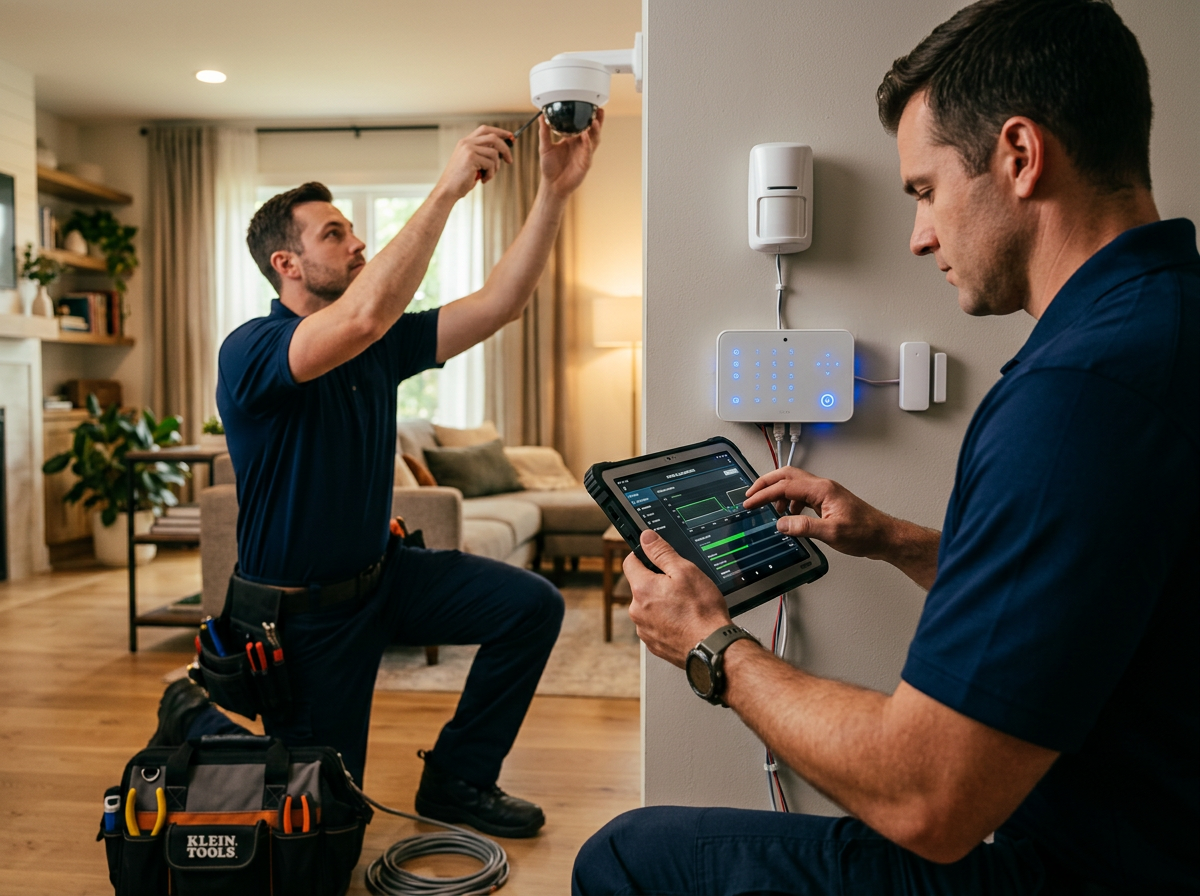
A locally owned provider installs and monitors the system, designs coverage around your property, and handles service calls in person. This is the route we take at Protection Pros USA: operating since 2014, serving homes and businesses, specializing in professional installation of alarm and camera systems with 24/7 monitoring. You get a designed system and a local team who can come out when something needs attention, rather than a call center script.
- Pros: Custom design, expert installation, in-person service, coverage tailored to the property.
- Cons: Not the cheapest upfront option, and availability depends on your area.
- Best for: Homeowners and small business owners who want a designed, professionally monitored system with local service.
How to Compare the Three Models Side by Side
Rather than comparing brands, compare the models on the dimensions that actually change your experience:
| Dimension | DIY (SimpliSafe-style) | Budget Hybrid (Cove-style) | Locally Installed |
|---|---|---|---|
| Who installs | You | You | Technician |
| Equipment ownership | Yours at purchase | Yours at purchase | Yours or financed, ask |
| Contract | Usually none | Month-to-month | Varies; ask for term and termination formula |
| Monitoring | Optional, month-to-month | Month-to-month | 24/7, typically contracted |
| Service when a device fails | Remote support, you replace | Remote support, you replace | In-person service call |
| Renter suitability | High, portable | High, portable | Lower, installed hardware |
| Privacy controls | App-based; check local storage options | App-based | Ask about data retention and camera privacy settings |
Switching From an Existing Professionally Installed System
If you are leaving a current provider rather than starting fresh, the transition is where most people get burned. A practical checklist:
- Read the current agreement first. Find the term end date, the early termination formula, and the equipment ownership clause. If the equipment is leased, you may need to return it.
- Time the cancellation. Cancelling a few weeks before the term ends usually avoids termination fees; cancelling mid-term usually does not.
- Check compatibility before you buy. Existing sensors and panels are often locked to the original provider's monitoring platform. Ask the new provider whether any existing hardware can be reused, and assume the answer is no unless confirmed in writing.
- Avoid a monitoring gap. Schedule the new system's activation before the old monitoring ends so the property is not unmonitored during the switch.
- Confirm what happens to the old equipment. Leased hardware may need to be returned within a set window; owned hardware can sometimes be repurposed or resold.
- Update your insurance and emergency contacts. Many homeowners insurance policies offer a discount for professionally monitored systems, confirm the new system qualifies and update your policy.
Privacy, Data Handling, and Renter Suitability
These decision factors competitors rarely surface matter as much as price.
- Camera privacy controls. Ask whether cameras have physical privacy shutters, customizable activity zones, and the ability to disable recording when you are home.
- Data retention. Ask how long video is stored, whether it is stored in the cloud or locally, and who can access it.
- Account security. Two-factor authentication and unique account passwords are baseline; confirm the provider supports them.
- Local storage options. Some systems support local video storage, which keeps footage on your property rather than in a vendor cloud.
Conclusion
Choosing a Vivint alternative for home security comes down to one question: do you want to own the setup or hand it to a professional? DIY systems win on upfront cost and flexibility.
If you want the installed route without the national-company feel, Protection Pros USA designs and installs alarm and camera systems for homes and businesses, backs them with 24/7 monitoring, and handles service locally.
Frequently Asked Questions
Which home security system is the best alternative to Vivint?
The best Vivint alternative for home security depends on your priorities. SimpliSafe offers flexible DIY installation and no long-term contract. Cove is a budget-friendly option with professional monitoring. Ring provides affordable smart home integration. For professional installation and local support, a locally-owned provider like Protection Pros USA may be the best fit. Compare equipment costs, monitoring fees, and contract terms before deciding.
Can I get professional monitoring with a Vivint alternative?
Yes. Most Vivint alternatives offer professional monitoring, often with 24/7 coverage and cellular backup. Companies like SimpliSafe, Cove, and local providers like Protection Pros USA provide professional monitoring plans. Some systems also offer self-monitoring through a mobile app. Check response times and whether monitoring is included in the monthly fee or requires a separate subscription.
Are there home security systems similar to Vivint without a long-term contract?
Yes. Home security systems without contracts are increasingly common. SimpliSafe and Cove offer month-to-month monitoring plans with no long-term commitment. Ring also provides flexible subscription options. These systems let you cancel anytime without early termination fees. However, equipment may cost more upfront. Always read the fine print on cancellation policies and return windows.
What should I compare when choosing a Vivint alternative?
Compare upfront equipment costs, installation fees, monthly monitoring fees, contract terms, cancellation policies, smart home compatibility, and customer support. Also consider whether you want professional installation or DIY, and whether the system supports third-party devices. Request a quote from each provider and calculate total cost of ownership over 3-5 years to make a fair comparison.